

Block · Sales
B2B portal: your customers order on their own, under your brand, any time
Your own self-service portal for customers.
Four open demo portals, ready for you to place an order
We built four sample portals from different industries so you can see it the way your customer does: log in, browse the catalog, check the promos and build an order.
Place a full order
Log in as a buyer with this test user and place an order end to end.
- User
comprador@casabella.example- Password
CasaBella-7201cb
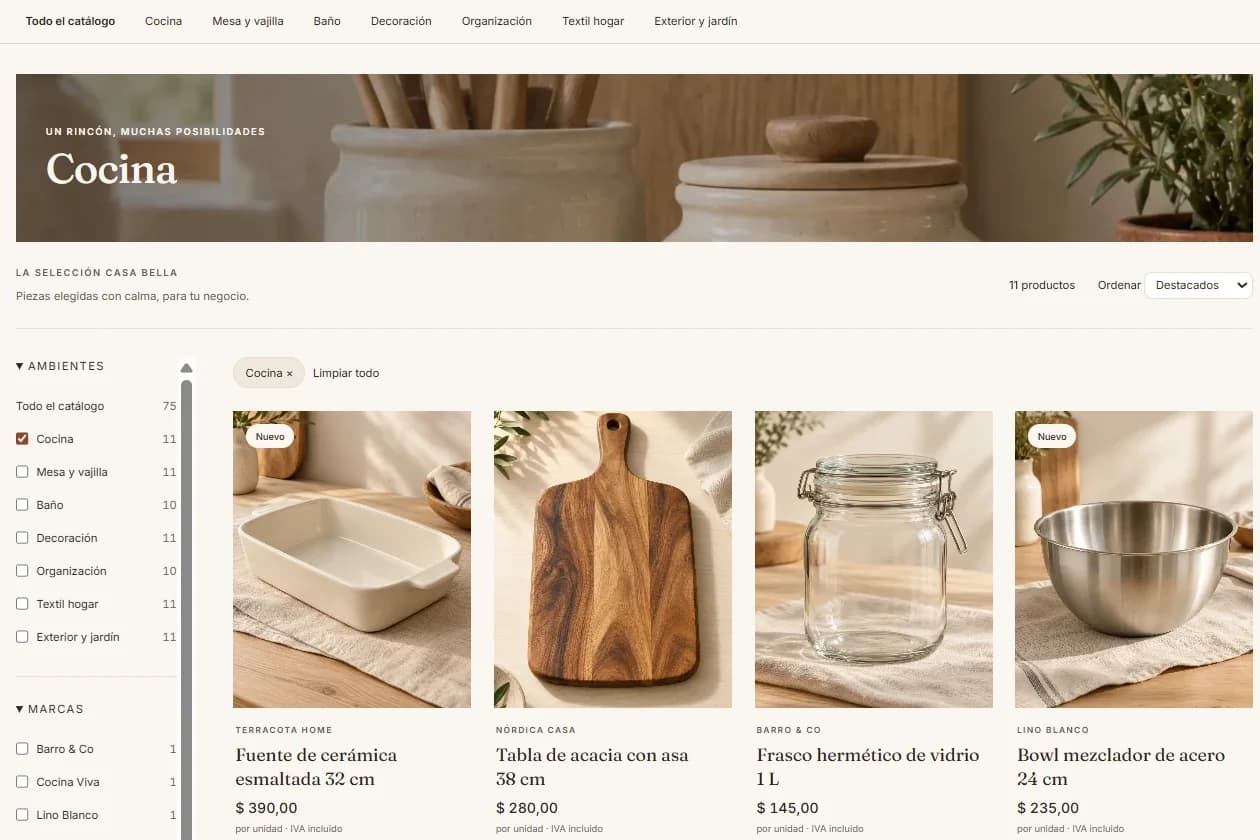
What to try in five minutes
- Log in as your customerWith the test user, into a portal under the company’s brand.
- Browse the catalogSearch for products and see the prices that customer gets.
- Check the promosThe ones the company publishes on the portal, with no rep calling.
- Build the order and confirm itEnd to end, with no rep and at any hour you like.
Three more industries to explore
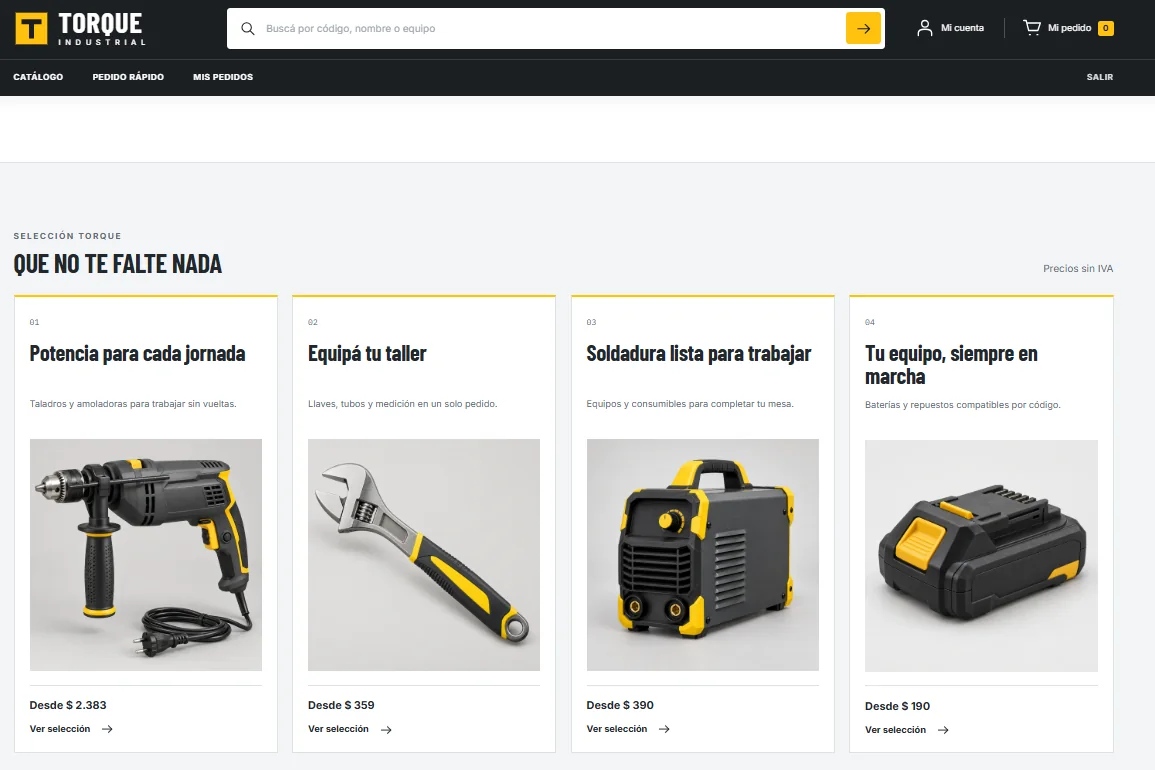 Torque IndustrialTools and partsLog in with any email and passwordOpen
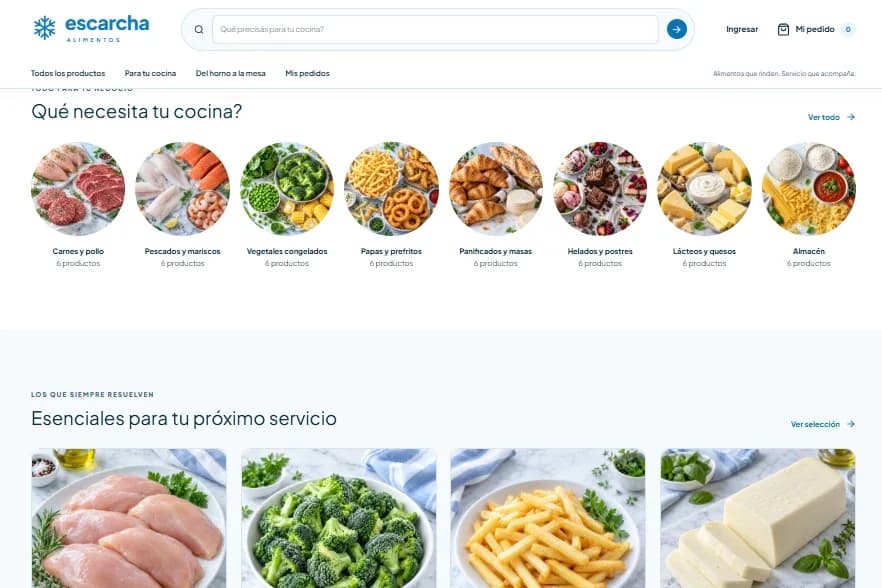 Escarcha AlimentosFood and frozen goodsLog in with any email and passwordOpen
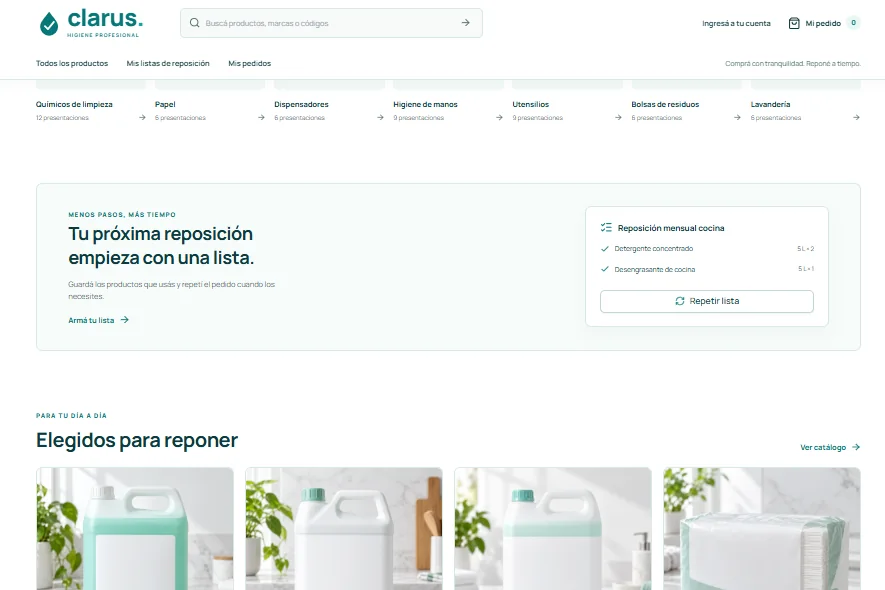 Clarus Higiene ProfesionalCleaning and hygieneLog in with any email and passwordOpen
The companies and data in all four portals are fictional. The demo portals are in Spanish.
Today your customers order by WhatsApp, by phone or by waiting for the rep’s visit, and they have to ask to learn a price or hear about a promo too. If the rep is busy or it is after hours, the order waits: the customer who plans the restock at night, after closing the store, has to wait until morning for someone to read the message and key it in.
The nBlock B2B Portal is a self-service portal under your brand: catalog, orders, promos and account, configured for each customer with no custom development. Every customer logs in with their own user and sees their price list and terms, which come from the ERP you already run. They order on their own, at any hour, and your rep stops taking orders by phone and goes back to selling.
Challenge
Your customers depend on a rep or a phone call to order, check prices or hear about a promo.
Solution
A self-service portal under your brand: catalog, orders, promos and account, configurable per customer with no custom development.
Impact
Customers who serve themselves 24/7 and a digital channel of your own.
- Catalog and ordering under your brand
- Accounts and prices per customer
- Self-served promos and announcements
Every portal visit leaves data to sell more
When an order arrives by WhatsApp or phone, all that is left is the invoice. On the portal the whole journey stays: what each customer searched for, what they looked at, what they put in the cart and what they ended up buying. With that, the portal starts generating opportunities.
- Retargeting
Looked but did not buy
Customers who browsed a category or a product and did not order it, ready for a promo or a targeted campaign.
- Abandoned carts
The order left half built
Carts that were never confirmed, caught in time for a reminder to the customer or a call from the rep before the purchase goes elsewhere.
- Upselling
The order that could be bigger
Complementary or higher-value products, suggested from what each customer buys, on the portal or on the next visit.
The portal stops being just an ordering channel and becomes a source of opportunities for the whole sales team.
How it works on your ERP
- Step 1
We connect your ERP
We take the catalog, customers and price lists from the ERP you already run. There is no need to load products again or keep a second database in parallel: the ERP stays the source of truth.
- Step 2
We set up the portal under your brand
Your logo, your colors and each customer’s terms: which price list they see and which promos apply to them. One platform configured per customer, with no custom development.
- Step 3
You invite your customers
Each customer gets a user and starts ordering on their own, at any hour: they search the catalog, build the cart and confirm. You publish promos and announcements yourself, without waiting on a developer.
- Step 4
Orders with no manual entry
The confirmed order reaches your ERP without anyone keying it in, and every visit leaves data to sell more: what the customer searched for, what they looked at and what they left in the cart.
Where it is used
After-hours orders
The customer who closes the store at night logs in, builds the restock and confirms it. By morning the order is in, with no one waiting to read a WhatsApp message.
The everyday repeat order
Routine orders stop going through the rep. The customer builds them on their own, with their price list, and the rep spends that time advising and opening accounts.
Promos that reach everyone
You publish a promo or a launch on the portal and every customer it applies to sees it, without depending on a rep to tell them one by one.
Frequently asked questions
Can I try the portal before talking to sales?
Yes. There are four open demo portals from different industries: home goods and decor, tools and parts, frozen foods, and cleaning and hygiene. In the home goods one you log in with the test user on this page and place an order end to end; in the other three, with any email and password. The companies and data are fictional, and the demos are in Spanish.
Does each customer see their own prices and terms?
Yes. Each customer logs in with their own user and sees their price list and terms, the same ones you already have in the ERP. The portal does not duplicate that information or make you maintain it somewhere else: it takes it from the ERP, which stays the source of truth.
Do I have to change ERP or commission custom development?
No. The portal connects to the ERP you already run and takes the catalog, customers and price lists from it. Brand, accounts, price lists and promos are configured per customer on a single platform, with no custom development, so there is no long systems project.
Does the portal take work away from my sales reps?
It takes away the repetitive part. The portal handles the everyday repeat order and the rep stops taking orders by phone to advise, offer new products and win back customers. And they arrive better prepared: they know what each customer looked at and what they left unconfirmed in the cart.
What about the customer who prefers to order by phone?
They can keep doing it. The portal does not replace the rep or the phone: it is one more channel, the most convenient one for routine orders and for ordering after hours. A customer who needs advice on a complex order still has someone to call.
Other blocks
- Sales intelligenceYour whole sales force, made smart.
- Route planningEvery rep’s week, planned.
- Order takingZero manual order entry.
- Customer serviceEvery customer message, answered instantly.
- Purchase planningBuy what sells, without stockouts.
- Customer profitabilityWhat makes you money, and what takes it.
- Automated collectionsThe money you already earned, collected on time.
- Automatic reconciliationTwo data sources, aligned on their own.
Next step
Shall we see it with your catalog and prices?
If you already tried the demo portals, the next step is seeing it built with your products, your customers and your terms. In half an hour we show it to you on your ERP.