
AI on top of your ERP: why adding intelligence beats replacing the system
Why adding a layer of AI on top of your ERP beats replacing the system: less risk, live in weeks, and built on the data you already have.

Gastón Kehyaian
COO
Contents
- 1. The problem: mistaking the symptom for the disease
- 1.1 Why the ERP gets blamed
- 1.2 The hidden cost of a migration
- 1.3 What almost never gets measured
- 2. What putting AI on top of the ERP means
- 2.1 A layer, not a replacement
- 2.2 What that layer does in practice
- 2.3 Why it carries less risk
- 3. A real case: the wholesaler that nearly replaced its ERP
- 3.1 Before
- 3.2 A phased implementation
- 3.3 After
- 4. How to decide between adding AI and migrating
- 4.1 When replacing the ERP does make sense
- 4.2 When the AI layer is the better bet
- 4.3 Questions to ask before you sign
- 5. ROI and measurable benefits
- 5.1 Time to value
- 5.2 Concrete benefits
- 5.3 The risk you do not take on
- 6. Frequently asked questions and common objections
- 6.1 "If I do not replace the ERP, am I not just patching it?"
- 6.2 "My data is dirty. Do I not need to clean it up first?"
- 6.3 "How long until I see results?"
- 6.4 "Is it not simpler to have everything in one system?"
- Ready to add intelligence without touching your system?
An operations director at a hardware distributor once told me they had spent nearly two years migrating ERPs. They changed vendors, hired a consultancy, trained the whole team and spent a figure he would rather not say out loud. When they were done, orders were still coming in over WhatsApp, collections were still prioritized by gut, and nobody knew which customer was profitable. They had a new system and the same problems, now more expensive.
That story repeats itself more often than you would think. There is a settled idea that when the operation cannot keep up, the answer is to replace the heart of the system. But in most cases the ERP is not the problem. The ERP stores data well. What is missing is something that reads it, cross-references it and hands back decisions. And that does not require tearing down what already works.
nBlock's thesis is simple, and it runs against much of the industry: AI goes on top of your ERP, replacing nothing. Instead of migrating, you add a layer of intelligence that connects to the data you already have and starts working in weeks, not years.
In this article you will see why migration projects fail so often, what putting AI on top of the ERP actually means, a real case of what that looks like inside a distribution business, and how to assess whether that route suits you before signing off on a system change you do not need.
1. The problem: mistaking the symptom for the disease
1.1 Why the ERP gets blamed
When the operation hurts, the ERP is the obvious suspect. It is the system everyone touches every day, so when something does not add up, the complaint points there. "The system is old", "the system will not give me that report", "the system does not integrate with anything".
The problem is that almost none of those complaints get solved by changing ERPs. A new ERP still will not tell you which customer is about to stop buying from you, still will not prioritize collections by risk, and still expects somebody to type in by hand the order that arrived over WhatsApp. The ERP's job is to record and provide traceability, not to think for you.
1.2 The hidden cost of a migration
Replacing an ERP is not buying software. It is a project that eats three resources that are almost never budgeted properly:
- Time. A serious migration takes anywhere from several months to more than a year across discovery, configuration, testing and stabilization. For all that time, the team works at half capacity.
- Money. Between licences, consulting, integrations and internal hours, the real cost usually comes in at two or three times what the original proposal said.
- Operational risk. The transition period is the most fragile. Orders that get stuck, stock that does not reconcile, invoicing that falls behind. More than one company has lost real sales during the switch.
1.3 What almost never gets measured
The most expensive cost never shows up on an invoice: it is the opportunity cost. During the two years it takes you to migrate, the decision you did not make in time, the customer you did not win back and the excess inventory you did not clear keep draining margin. Replacing the engine does not fix the fact that nobody is watching the dashboard.
2. What putting AI on top of the ERP means
2.1 A layer, not a replacement
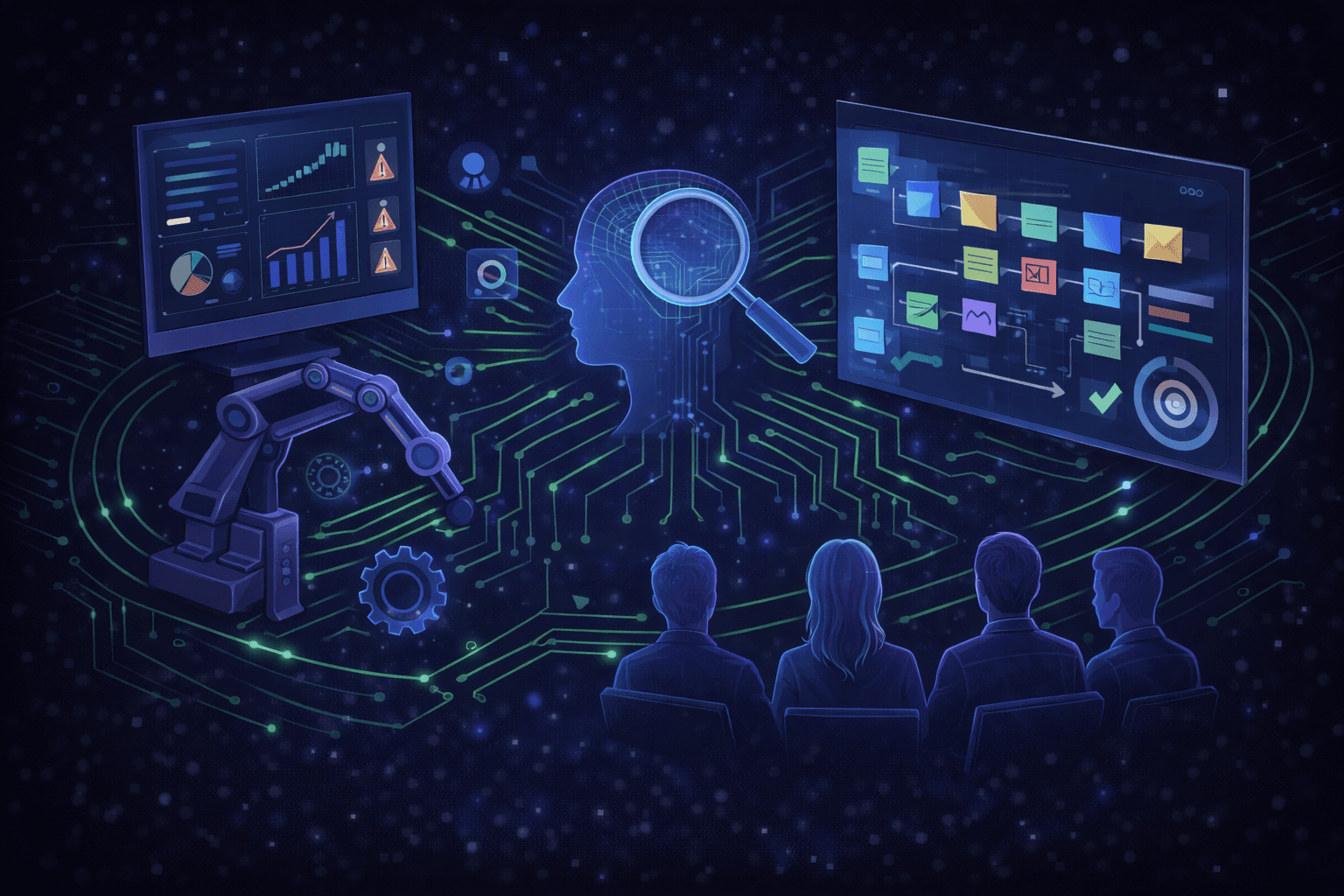
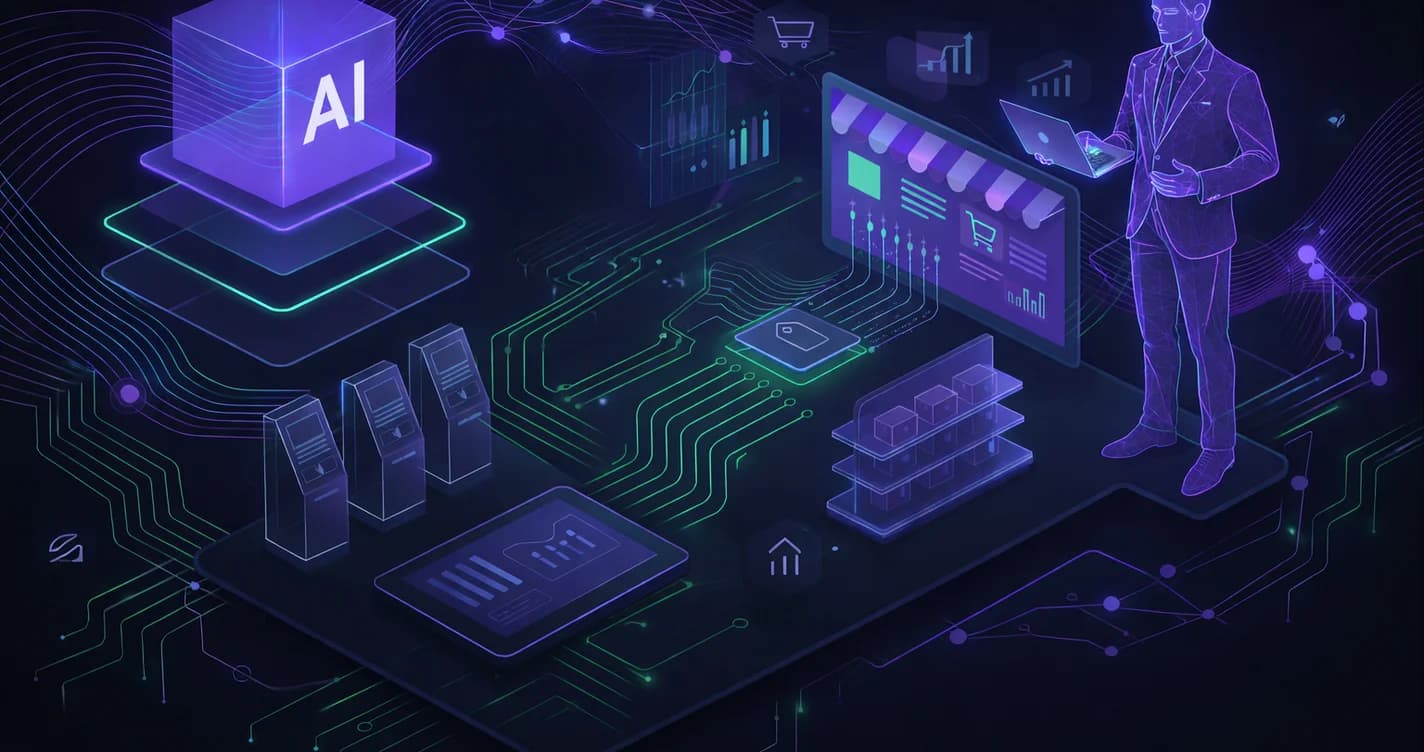
The idea is concrete: you leave your ERP where it is and add a layer of intelligence that connects to its data. That layer reads what you already have (sales, stock, customers, receivables, purchasing) and turns it into recommendations and automations. The ERP stays the source of truth. The AI is the brain that interprets it.
It works because the data the AI needs already exists inside your operation. There is nothing to generate from scratch: it has to be activated. It is the same logic behind an operational diagnostic run with AI, where the value is not in installing something new but in properly reading what is already happening inside the company.
2.2 What that layer does in practice
On top of a single ERP, the AI layer can:
- Prioritize collections by risk and value, rather than by age alone.
- Detect customers whose order frequency has dropped, before they leave.
- Suggest replenishment quantities by cross-referencing demand, lead times and seasonality.
- Validate prices and invoices automatically, to cut errors.
- Answer quotes and orders without a human typing everything in by hand.
Every one of those functions rests on data that is already in the system. What is new is the reading, not the data.
2.3 Why it carries less risk
Because you never touch the transactional core, the nature of the risk changes. If a recommendation does not convince you, you ignore it and the operation carries on exactly as before. There is no "switchover day" on which everything is at stake. Adoption is gradual: you start with one process, measure, then add the next. The floor — your current operation — never moves.
3. A real case: the wholesaler that nearly replaced its ERP
3.1 Before
A wholesale distributor of construction materials, with around 4,000 SKUs, 22 sales reps and three branches, was convinced its ERP was the bottleneck. Collections were falling behind, inventory had stockouts and excesses at the same time, and management reports arrived late and hand-built. On the table was a proposal to migrate to a new ERP, with a budget somewhere in six figures in US dollars and an estimated timeline of more than a year.
3.2 A phased implementation
Before signing, they tried the opposite route: keep the ERP and add a layer of AI on top of it. The implementation ran in three phases:
- Connect and read (weeks 1 to 3). The layer was integrated with the existing ERP and the sales, customer and receivables data was put in order.
- First processes (weeks 4 to 8). Collections prioritization and at-risk customer detection went live. The team started receiving actionable reports without asking for them.
- Scaling up (month 3 onward). Suggested replenishment and per-customer profitability analysis were added, connecting the commercial operation to the financial one.
3.3 After
Within a few months the picture had changed without the ERP being touched. Collection times came down steadily (on the order of 20% to 30% over the first quarters), the admin team recovered a large slice of the working day that used to go into building reports, and the leadership stopped debating whether to change systems. The question had shifted from "which ERP do we buy" to "which process do we automate next". The migration was shelved.
4. How to decide between adding AI and migrating
4.1 When replacing the ERP does make sense
There are cases where migration is unavoidable: when the system has lost vendor support, when it does not meet new tax or legal requirements, or when the database is so broken that no data can be trusted. If your ERP is in that state, no patch is enough.
4.2 When the AI layer is the better bet
In most cases, though, the ERP stores the data well and the pain comes from the absence of decisions. If your complaints sound like "I do not know who to chase for payment first", "I find out too late that a customer has gone" or "I buy badly", you do not need another ERP. You need something that reads the one you already have.
4.3 Questions to ask before you sign
Before approving a migration, it is worth answering honestly:
- Is the problem that the data is stored badly, or that nobody is reading it?
- How much of today's pain would be solved by better decisions on the same data?
- How much margin do you lose every month the project goes on without producing results?
If most of the answers point to decisions rather than record-keeping, the AI layer pays off more.
5. ROI and measurable benefits
5.1 Time to value
The biggest difference is time to value. A migration returns results — with luck — after a year. A layer of AI on top of the ERP starts showing impact in weeks, because it works on data that already exists. Those months of head start are, in themselves, a return.
5.2 Concrete benefits
The benefits that show up most often:
- Fewer admin hours on repetitive work (reports, reconciliations, manual prioritization).
- Better cash flow from more focused collections.
- Less capital tied up in inventory, thanks to more precise replenishment.
- Faster decisions, from minutes to seconds, because the dashboard is live.
5.3 The risk you do not take on
The least visible benefit is the risk you avoid: you do not stop the operation, you do not bet everything on a "switchover day", and you are not locked into a project that, if it goes wrong, has no cheap way back.
6. Frequently asked questions and common objections
6.1 "If I do not replace the ERP, am I not just patching it?"
No, and the difference matters. A patch covers a problem without solving it. A layer of AI on top of the ERP solves what the ERP was never meant to solve: reading the data and handing back decisions. The ERP keeps doing its job (recording things properly) and the AI does what was missing (interpreting). It is not plugging a hole; it is adding a capability you did not have. And if at some point you do need to replace the ERP, the AI layer reconnects to the new system — you are not locked in.
6.2 "My data is dirty. Do I not need to clean it up first?"
Partly yes, but less than people think, and that is precisely one of the layer's first contributions. The AI helps detect inconsistencies, duplicates and gaps in the data as it connects, so the clean-up stops being a months-long prerequisite project and becomes part of the process. You do not need everything to be perfect to start: you need to start so that the data gets tidied up against a concrete objective.
6.3 "How long until I see results?"
Unlike a migration, which only returns something — with luck — after a year, a layer of AI starts showing impact in weeks, because it works on data that already exists. The usual pattern is to activate a first process (prioritized collections, at-risk customer detection) in the first month and see the effect within the quarter. Scaling to the rest of the operation is gradual and always optional.
6.4 "Is it not simpler to have everything in one system?"
It sounds tidy, but that promise is exactly what makes so many migrations fail: the single system that does everything well rarely exists, and forcing it is extremely expensive. It is more robust to have an ERP that records superbly and a specialized layer of intelligence on top. Each does what it does best. Integrating the two is the simple part today; total migration is the complex one.
Ready to add intelligence without touching your system?
Replacing an ERP is expensive, slow and risky, and most of the time it does not solve the underlying problem, which is the absence of decisions on the data. Adding a layer of AI on top of the system you already have is the shortest path between today's pain and the operation you want, without stopping anything along the way.
Want to see how it works in practice? Book a demo and we will show you how AI works on top of your current ERP, replacing nothing.
Written by
Gastón Kehyaian
COO
Over 20 years of executive experience in management, finance and digital transformation. MBA, MND, specialist in digital transformation.